Start with the outlook.
Keep local weather close at hand as you plan the day ahead.
 SMART DASHBOARD
A LITTLE SPACE FOR YOUR EVERYDAY
.Weather, rail departures and sport. A compact touchscreen dashboard that gives your everyday information a place of its own.
In development · Designed for your desk
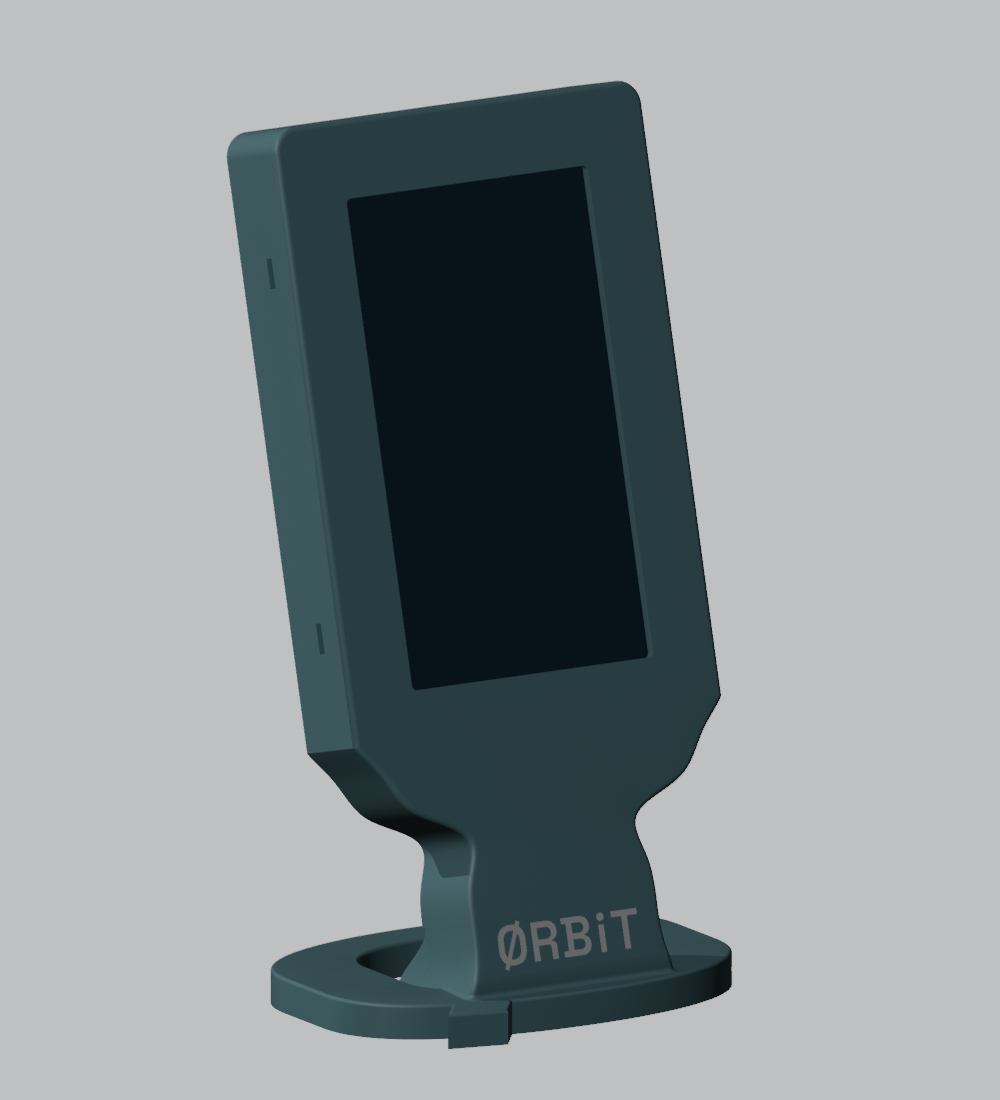 ENCLOSURE / DESIGN RENDER
A DASHBOARD WITH YOUR WORLD IN MIND
A dedicated display for the information you like to keep nearby. brings weather, travel and sport together in one compact project.
Keep local weather close at hand as you plan the day ahead.
A place for rail departure and arrival information before you head out.
Formula 1 and football information, with views designed for a small screen.
is under active development. Features and availability may change as device testing continues.
MADE FOR A SMALL SCREEN
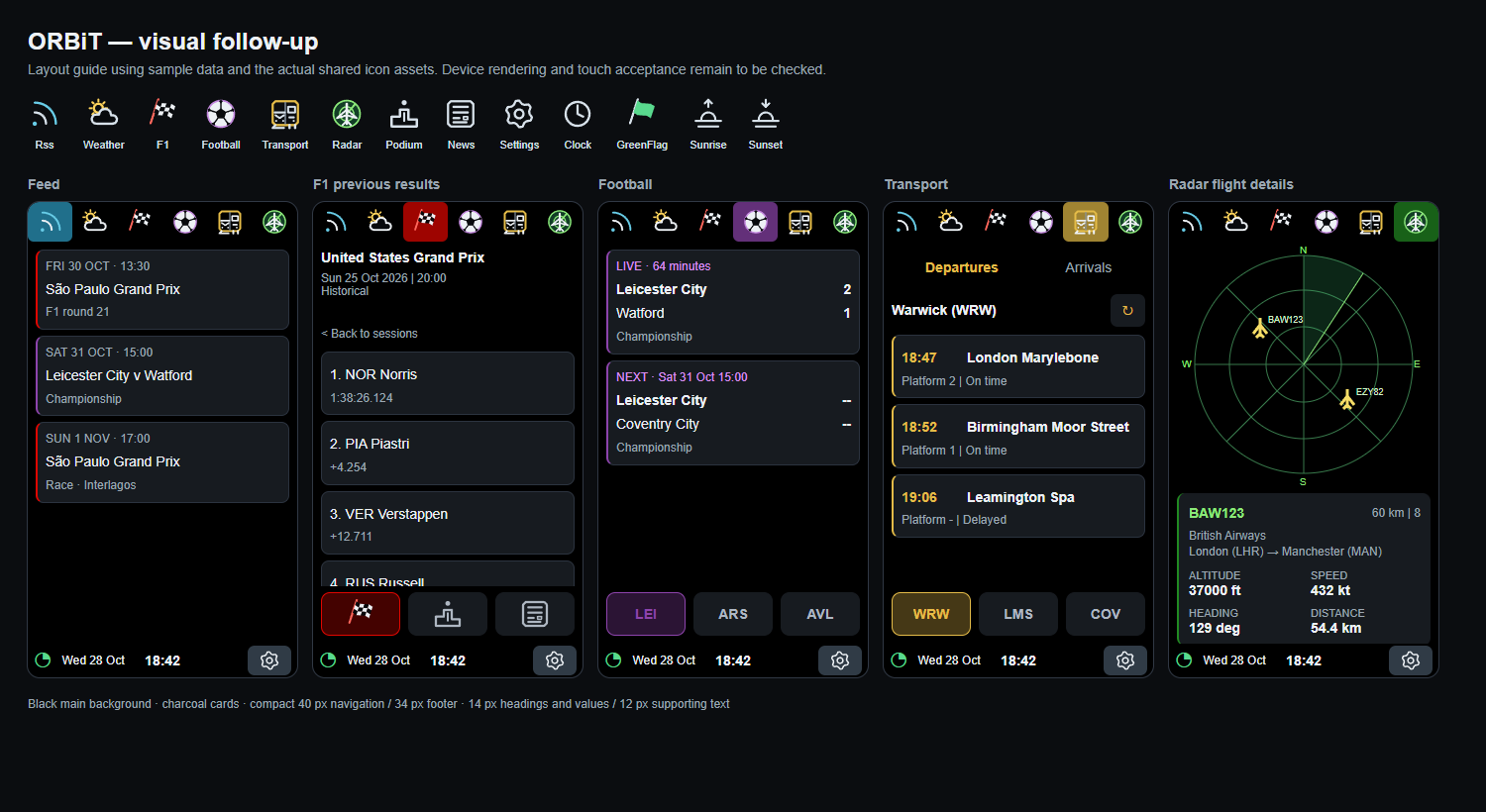
Portrait layouts put the focus on the information. Configure your board through its browser-based setup pages.
Interface layout study shown with sample data. This is not a photograph of a running device.
GETTING STARTED
The current firmware targets the Guition JC4827W543 board, with a 272 × 480 portrait display. Other boards need separate validation.
The 0.1 preview includes board requirements and USB installation instructions. Read the guide and choose the image that matches your installation.
Initial setup uses the board’s Wi-Fi setup network and browser configuration. Some information services require your own API credentials.
FIRMWARE & RELEASES
.Download the 0.1 preview for Guition JC4827W543. This build has been tested on the owner’s display; broader testing continues. Read the included installation guide before updating.
0.1 PREVIEW · 29 OCTOBER 2026USB installation only. The app-only image is for a matching existing layout; the fresh-install image replaces saved settings. No OTA updater is included.
Visit Andy on GitHub